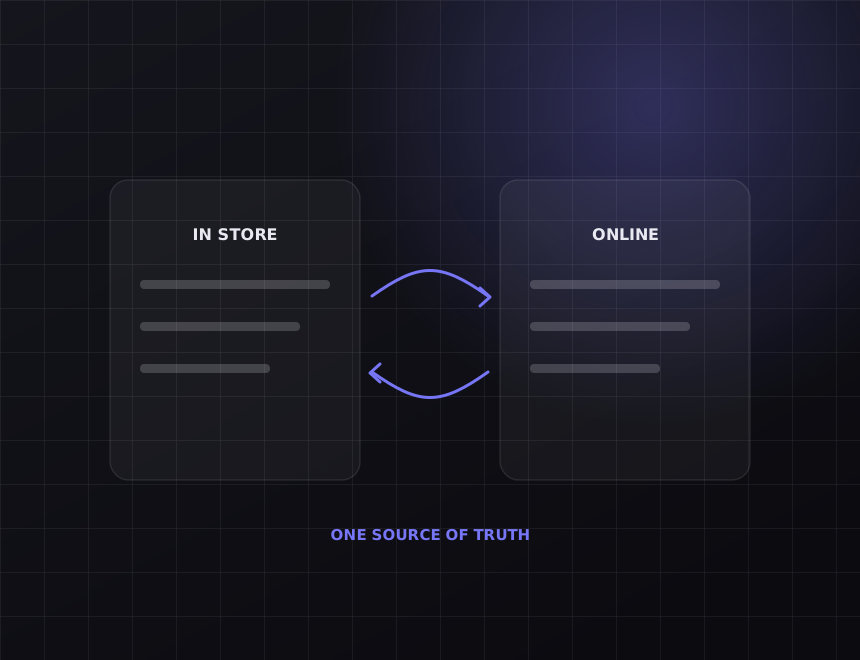
WebsiteSmokeball, LEAP or Actionstep

Enquiry on the website.Matter in your practice software, conflict check queued.

A prospective client fills in your form. It lands in a shared inbox. Someone creates the contact in Smokeball, LEAP or Actionstep on Thursday, and the conflict check happens after two phone calls have already been made. We connect the form so the record exists, the check is queued and the reply is sent before anyone opens the inbox.

What it replaces 12 to 15 hrs

A week lost to admin by the average Australian business owner. In a small firm, intake is a large share of it, and it is done by the most expensive person in the building.

After we connect it Same minute

Contact created, prospective matter opened in the right practice area, conflict check task assigned, acknowledgement sent.

Runs 24/7

Enquiries at 9pm get an acknowledgement at 9pm. The call still happens in business hours.

Lock-in 0

Built in your practice management account. You own the connection and the documentation.

Also connects

Calendly or Microsoft Bookings for the first consult. HubSpot or Mailchimp if the firm markets. Xero for the office ledger as a separate build.

Client files stay inside the practice software. The connection never reads them.

01

What moves

Contact and matter, created correctly

The enquiry becomes a contact, or matches an existing one, and a prospective matter in the practice area the form indicated, with the enquiry text in the matter notes. It appears in the same list your staff already work from.

  • Practice area from the form sets the matter type
  • Existing contacts matched, not duplicated
  • Enquiry text and attachments on the matter, not in an email
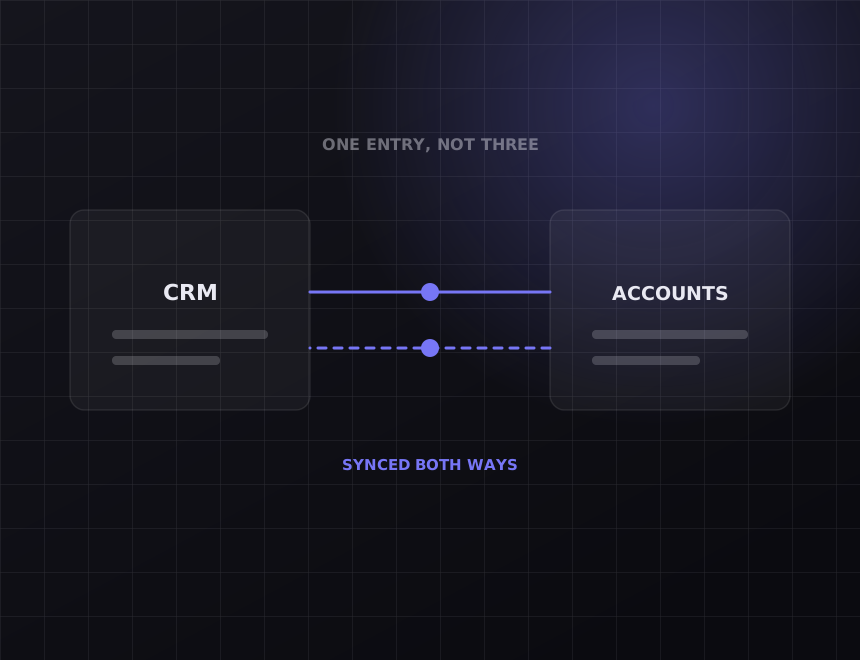
Diagram: two systems syncing both ways
Diagram: a working week with the recovered hours marked
02

What moves

Conflict check before the first call

The moment the matter is created, a conflict check task is assigned to whoever runs them, with the other party's name pulled from the form. No lawyer picks up the phone until it is cleared.

  • Other-party field on the form feeds the check
  • Task assigned with a due time, not a due day
  • Matter flagged until the check is marked clear
03

What moves

An acknowledgement that sounds like your firm

The prospective client gets an email or SMS within a minute, in your firm's words, saying who will call and when. For urgent matters it can route to a mobile straight away.

  • Wording per practice area, approved by a partner once
  • Urgent enquiries routed to an on-call number
  • No marketing language, no follow-up sequence unless you ask
Diagram: records kept in step across systems
Diagram: a working week with the recovered hours marked
04

What moves

Intake that leads to a booked consult

If the firm offers a first consultation, the acknowledgement can include a booking link, and the booking writes back to the matter and the lawyer's calendar. The client picks a time. Nobody plays phone tag.

  • Booking link per lawyer or per practice area
  • Consult written to the matter and to Outlook or Google Calendar
  • Reminder to the client the day before

Before you pay

Read this part first.

Some of what is on this page you can get without us. The rest is where the money goes. Both are written down here so you can decide before the call.

What your practice software already does

Smokeball, LEAP and Actionstep each have intake forms or web lead tools of their own, and a firm that is happy to send prospects to a vendor-hosted form can get part of this without us. Most firms want the form on their own site, want conflict checks enforced BEFORE contact, and want the acknowledgement worded by a partner rather than a template. That is this build.

What we will not do

Read client files, or send a prospective client anything that could be mistaken for advice. The acknowledgement says who will call and when. Nothing more.

How it works

What we actually do, in the order we do it.

Every step below is work you can verify. Ask any provider to show you the same list for what they are doing.

1. Map the intake

What the form asks per practice area, what the practice software needs to open a matter, who runs conflict checks and how the client should be acknowledged. One meeting, a partner and the practice manager.

2. Match the records you already have

Former clients and other parties enquire through the website too. We match on email and phone so the new matter lands on the existing contact and the conflict check sees the history.

3. Build it, then try to break it

A form with no practice area. An enquiry from someone already on the other side of a live matter. An attachment that is 20 pages. Each has a defined outcome before launch.

4. Monitor it

Every enquiry is logged. If a run fails, we are alerted, and the enquiry still reaches your inbox the old way. Nothing is lost.

What it costs

Real numbers, before you ask for a quote.

Intake to Smokeball, LEAP or Actionstep starts from $2,500 for contact, matter, conflict task and acknowledgement. Consult booking, urgent routing and per-practice-area wording add to it, and most firms land between $3,500 and $5,500. Live within two to three weeks. Confidentiality is in the scope document, and the connection never reads a client file.

What is included

The intake workshop and the written map per practice area. Contact matching before launch. Matter creation, conflict task, acknowledgement and a log of every enquiry. A scope document that states what the connection can and cannot access.

What is not included

Your practice management subscription, which stays in your name. Running the conflict check. The task is assigned, a person clears it. Trust accounting. That is a separate build if you want it.

Who owns it

You do. The connection lives in your accounts, on your subscriptions, with documentation your next provider could pick up. There is no retainer required to keep it running.

FAQs

Questions about
Website to Smokeball, LEAP or Actionstep.

Does the connection access client files?

No. It creates contacts and matters and adds notes to the matter it created. It cannot read documents and we do not ask for that permission.

We use LEAP, which has its own web form.

Use it if you are happy with the form living on LEAP's side and the acknowledgement being a template. Most firms we talk to want their own form, a conflict check enforced before contact, and their own wording.

Can it handle urgent matters differently?

Yes. A tick box or a practice area can route to an on-call mobile immediately, with a different acknowledgement.

Does it work with Actionstep's workflows?

Yes. The matter is created in the workflow step you choose, so Actionstep's own automation picks it up from there.

How long does it take?

Two to three weeks. Agreeing the wording with the partners is usually the slow part.

Related

Other integrations we build often.

All nine are listed at integrations, and the general approach is on the systems integration page. Built for law firms among others.

The other half

Connecting your tools does not bring you new customers.

This gives you hours back. It does not make the phone ring. If enquiries are the actual problem, the work is on the other side of the business: see SEO and web design. On the call we will tell you which half is costing you more.

Running Website and Smokeball, LEAP or Actionstep?

Thirty minutes. Tell us what you run and we will map exactly what moves between them, what it takes, and what it costs. You keep the map whether or not you use us.

Get my free audit →