HubSpotXero

Close it in HubSpot.Invoice it in Xero, without retyping.

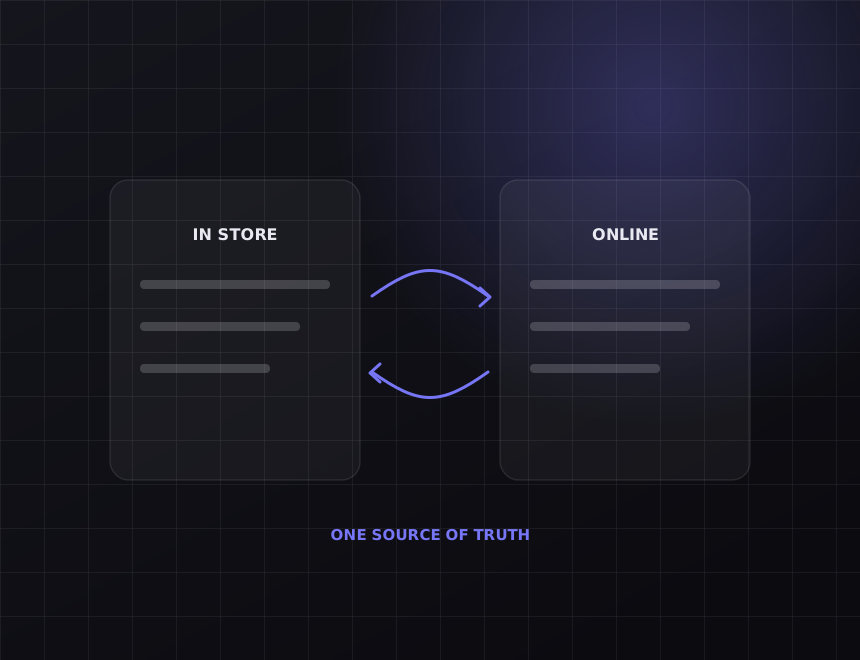
When a deal hits Closed Won, the invoice should already exist. We connect HubSpot and Xero so contacts, deals and payments line up, and nobody keys the same customer into two systems.

What it replaces 2 entries

Every customer typed into HubSpot, then typed again into Xero. Every quote rebuilt as an invoice by hand.

After we connect them 1 entry

Create the contact once. Win the deal once. The invoice, the contact record and the paid status follow on their own.

Runs 24/7

Invoices raised at 9pm on a Friday if that is when the deal closes.

Lock-in 0

Built in your HubSpot and Xero accounts. You own the connection and the documentation.

Also connects

Xero Payments, Stripe, HubSpot Quotes, Pipedrive if you are moving CRM.

Running MYOB instead of Xero? Same build, different accounting API.

01

What moves

Closed Won creates the invoice

The moment a deal moves to Closed Won, or any stage you pick, an invoice is drafted in Xero with the deal's line items, the right tax rates and the right due date. Someone still approves it. Nobody rebuilds it.

  • Line items and quantities carried across, not summarised
  • GST and account codes mapped per product
  • Draft or approved, your call per pipeline
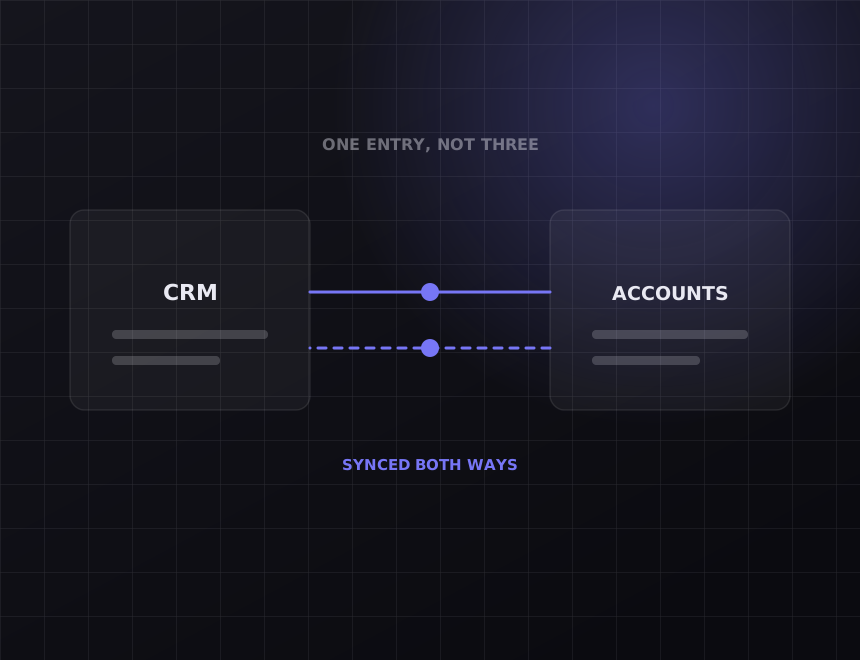
Diagram: two systems syncing both ways
Diagram: a working week with the recovered hours marked
02

What moves

One customer record, in both places

A new company in HubSpot becomes a contact in Xero. A customer who already exists in both is matched, not duplicated. Address and phone changes flow one way, from the system you name as the source.

  • New HubSpot contacts and companies become Xero contacts
  • Existing records matched on ABN or email, not duplicated
  • Changes flow one way, from the system you name
03

What moves

Paid status comes back to the deal

When the invoice is paid in Xero, the deal and contact in HubSpot know about it. Sales stops asking accounts whether the money landed, and follow-up sequences stop firing at people who have already paid.

  • Paid, part paid and overdue written to a HubSpot property
  • Overdue invoices can trigger a task or a sequence
  • Revenue reporting in HubSpot uses real Xero figures
Diagram: records kept in step across systems
Diagram: a working week with the recovered hours marked
04

What moves

Quotes that become invoices

If you use HubSpot Quotes, an accepted quote can become the Xero invoice directly, so the number the customer signed off on is the number they are billed.

  • Accepted quote to draft invoice in seconds
  • Deposit invoices for staged jobs
  • Xero invoice number written back to the quote

Before you pay

Read this part first.

Some of what is on this page you can get without us. The rest is where the money goes. Both are written down here so you can decide before the call.

What the marketplace app already covers

HubSpot and Xero both list a connector for this pair, and for some businesses it is enough. It tends to stop at syncing contacts and letting you create an invoice by hand from inside HubSpot. If that is all you need, use it and keep your money. We build this when the invoice has to raise itself, when line items and tax codes have to be right WITHOUT a human checking, or when paid status has to come back into the sales pipeline.

What we will not do

Sync every field in both directions because it sounds thorough. Two-way sync on the same field is how you get two different phone numbers for the same customer. Every field gets one source of truth and the other system follows it.

How it works

What we actually do, in the order we do it.

Every step below is work you can verify. Ask any provider to show you the same list for what they are doing.

1. Map the pipeline to the ledger

Which HubSpot stage means an invoice exists. Which products map to which Xero account codes. Where the due date comes from. This takes an afternoon with whoever runs sales and whoever runs the books, in the same room.

2. Match the records you already have

Most businesses have customers in both systems already, spelled two different ways. We match them on ABN and email before anything goes live, so day one does not create 400 duplicates.

3. Build it, then try to break it

A deal with no line items. A contact with no email. A product missing a tax code. Xero being down for ten minutes. Each of those has a defined outcome before launch, and the outcome is never a silent skip.

4. Monitor it

Every invoice the connection raises is logged. If a run fails, we are alerted, and in most cases it is fixed before your bookkeeper notices.

What it costs

Real numbers, before you ask for a quote.

A HubSpot to Xero connection starts from $2,500 for a single pipeline with contacts, invoices and paid status. Multiple pipelines, deposit schedules, or reconciling payments through Stripe as well push it toward $6,000. Most are live within two to four weeks. Monitoring afterwards is optional and cancellable.

What is included

The mapping workshop and the written map. Contact matching across both systems before launch. Invoice creation, paid status write-back, and a log of every run. A handover document your bookkeeper can read.

What is not included

Your HubSpot and Xero subscriptions, which stay in your name. Cleaning up years of duplicate contacts, which we can quote separately. Changing how your sales team uses the pipeline.

Who owns it

You do. The connection lives in your accounts, on your subscriptions, with documentation your next provider could pick up. There is no retainer required to keep it running.

FAQs

Questions about
HubSpot to Xero.

Does this work with HubSpot's free CRM?

Yes for contacts and deals. Some triggers depend on workflow features in Starter or Professional, and we will tell you on the audit call whether your tier covers what you want before you pay for anything.

We use MYOB, not Xero. Same thing?

Same build, different accounting API. MYOB Business exposes invoices, contacts and payments in much the same way, and the HubSpot side is identical.

What happens to invoices we raise manually in Xero?

Nothing. The connection only creates invoices from deals you tell it to, and it never edits or deletes an invoice it did not create.

Can it handle deposits and progress payments?

Yes. A deal can raise a deposit invoice at one stage and the balance at another, with the schedule set per pipeline.

How long does it take?

Two to four weeks for most. The slow part is agreeing the field mapping, not the build.

Related

Other integrations we build often.

All nine are listed at integrations, and the general approach is on the systems integration page. Built for any business with a sales team among others.

The other half

Connecting your tools does not bring you new customers.

This gives you hours back. It does not make the phone ring. If enquiries are the actual problem, the work is on the other side of the business: see SEO and web design. On the call we will tell you which half is costing you more.

Running HubSpot and Xero?

Thirty minutes. Tell us what you run and we will map exactly what moves between them, what it takes, and what it costs. You keep the map whether or not you use us.

Get my free audit →